
After upgrading from my legacy Vodafone modem to the new Vodafone TG3442DE, my WireGuard VPN tunnel became unstable. While basic connectivity remains, I can still ping through the tunnel, interactive traffic fails. Specifically, SSH sessions hang indefinitely during login, causing my automated rsync and restic backups to fail. I searched Can NOT SSH over WireGuard on Gemini, and one of the suggestions was that, while small packets (ICMP) are passing through, the new hardware is dropping or blocking larger data packets, causing SSH to hang.
It is a classic scenario where the tunnel is established and the handshake may even be successful, but SSH packets are failing to reach their destination.
- Verify that the tunnel is active by running
sudo wg showon both the client and the server. - If pings are successful over the VPN but SSH hangs or freezes after password entry, it is likely an MTU issue. WireGuard adds overhead to packets; if a packet exceeds the physical path limits, it is dropped.
- Resolution: Lower the MTU in the
[Interface]section on both ends of the connection. The value1280is the minimum for IPv6 and is generally compatible with most connections.
sudo cat /etc/wireguard/wg0.conf
[Interface]
PrivateKey = <your_key>
Address = <your_address>
MTU = 1280
WireGuard MTU and Packet Fragmentation Analysis
Technical Definition of Maximum Transmission Unit
The Maximum Transmission Unit (MTU) represents the size limit for a single data packet traveling across a network. It functions as a physical constraint similar to a height restriction for a tunnel; if a data packet exceeds this threshold, it cannot pass through the network segment successfully.
WireGuard Default Parameters and Overhead
In standard Ethernet environments, the default MTU is typically 1500 bytes. WireGuard requires additional space to encapsulate data within an encrypted envelope for secure routing. This encapsulation process consumes extra bytes, which can lead to packet fragmentation or data loss if the MTU is not managed correctly.
The WireGuard Tax Calculation
When transmitting data, the protocol adds specific headers based on the internet protocol in use:
- IPv6 Header Overhead: Approximately
60bytes - IPv4 Header Overhead: Approximately
40bytes - Standard Ethernet Capacity:
1500bytes - Conservative Ideal WireGuard MTU:
1420bytes (1500 - 80bytes for safety margin)
Rationalization for the 1280 Byte Threshold
The value of 1280 bytes is not arbitrary; it is the minimum MTU required for IPv6 functionality. Setting the WireGuard MTU to 1280 ensures that packets remain small enough to traverse nearly any underlying connection medium, including:
- LTE and Mobile Data
- Satellite Links
- Public Wi-Fi
Impact of Internet Service Provider Tunnels
Many Internet Service Providers (ISPs), particularly mobile carriers, utilize their own tunneling protocols such as PPPoE or GRE. These protocols further reduce the available 1500 byte limit. For example, if an ISP utilizes an MTU of 1450 bytes and a user attempts to send a 1420 byte WireGuard packet, the total size reaches 1510 bytes, exceeding the limit and causing the packet to be dropped.
The SSH Hang Phenomenon
Improper MTU settings often manifest as a freezing SSH session. This occurs because different types of traffic utilize different packet sizes:
- Small Packets: Actions such as typing a single character are well under the
1280byte limit and pass through the bottleneck easily. - Large Packets: Commands that generate significant output, such as
lsorcat, attempt to fill the entire MTU. - Failure State: If the MTU is set too high, these large packets hit a network bottleneck and disappear, resulting in a terminal that stops responding.

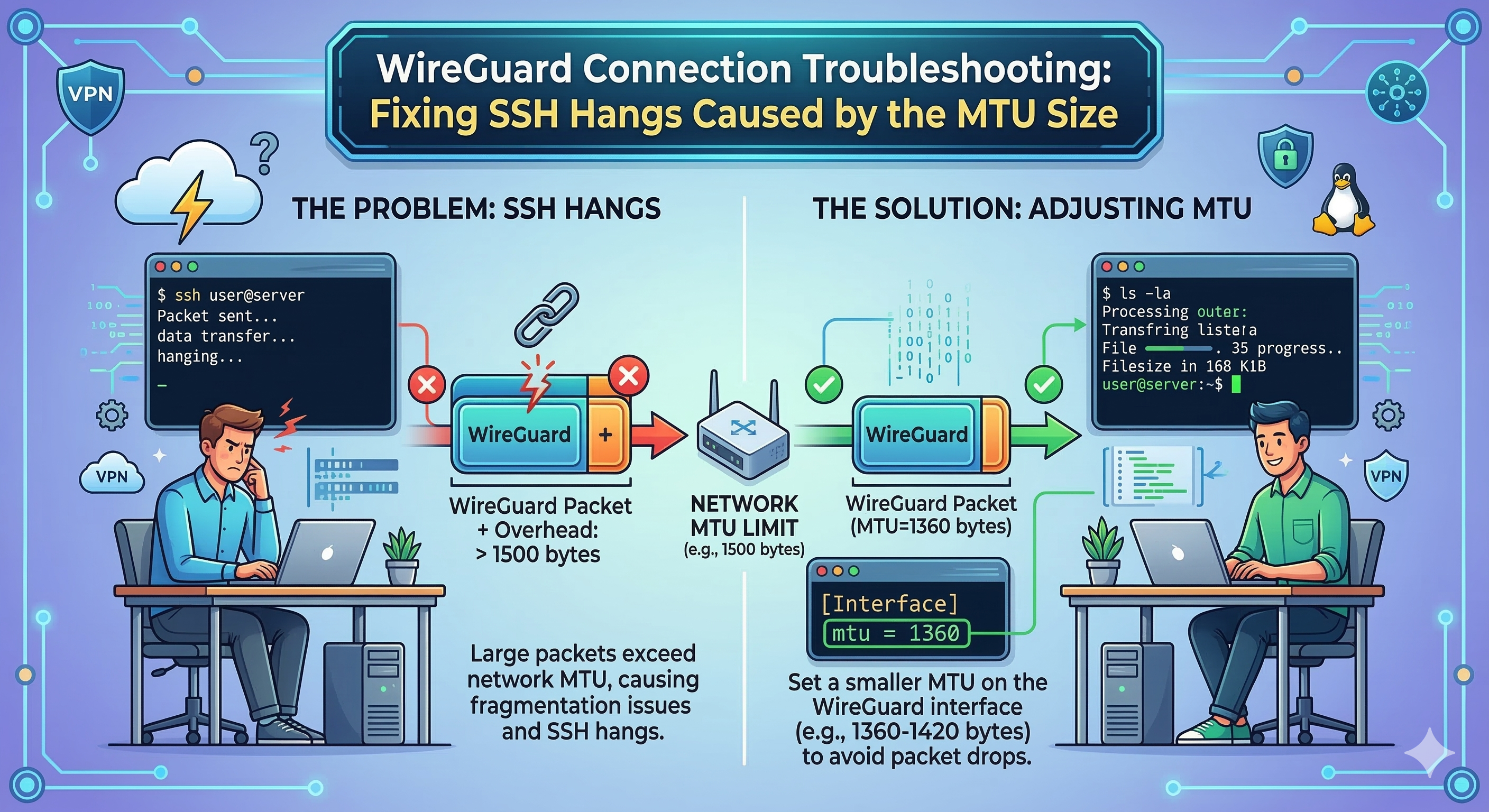 WireGuard Connection Troubleshooting Fixing SSH Hangs